

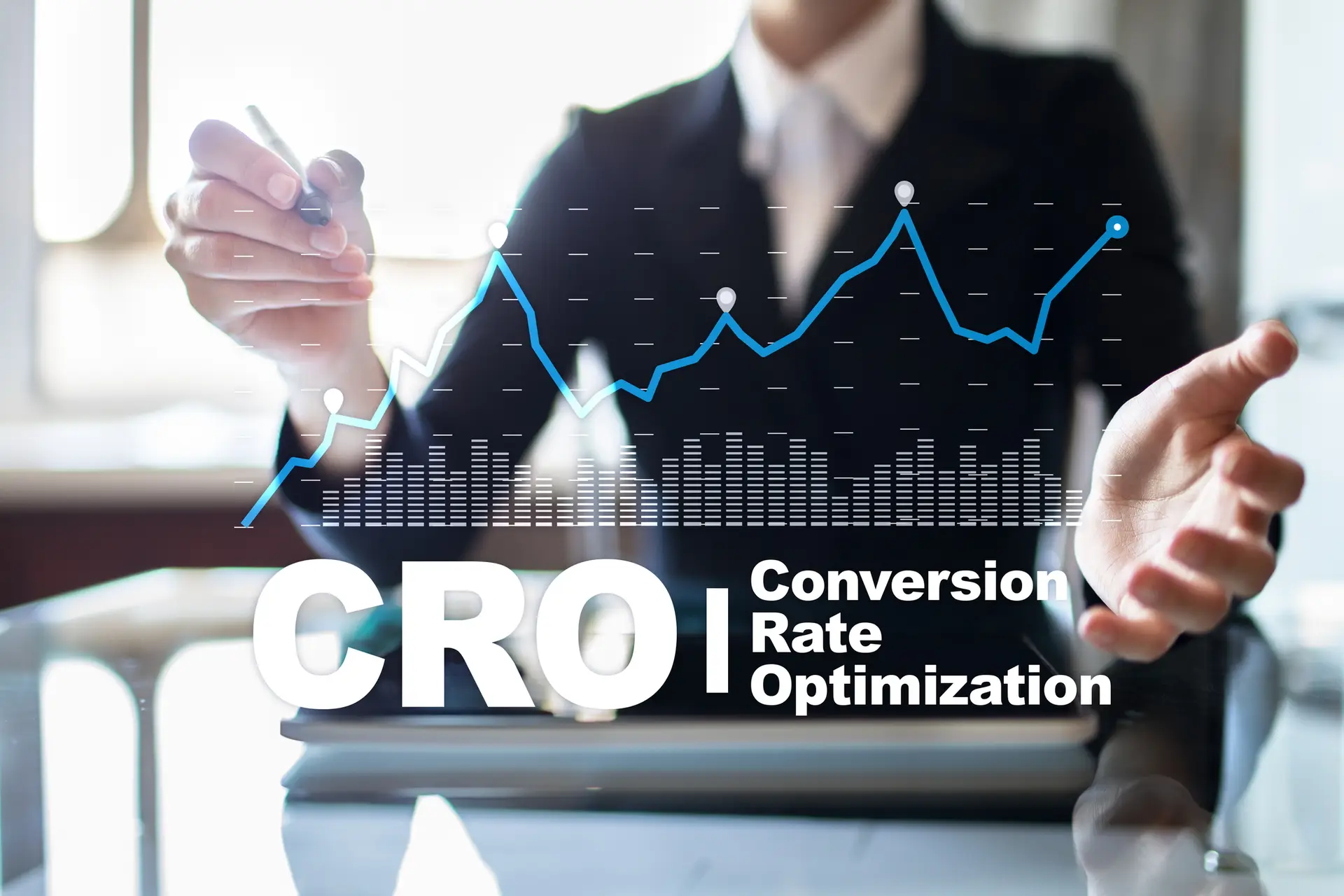
A client came to us last year spending $4,000 a month on Google Ads. Their site was getting solid traffic. But their conversion rate was stuck at 1.2%. That means for every 100 people who visited, only one person filled out the contact form.
The math didn’t work. They were paying for clicks that went nowhere. Every month, hundreds of potential customers landed on their site, looked around, and left without taking action. The budget kept going out. The leads didn’t come back.
We didn’t increase their ad budget. Instead, we focused on website conversion rate optimization: fixing the pages those visitors were landing on. Within 90 days, their conversion rate hit 3.8%. Same traffic. Same budget. Three times the leads.
That’s what this guide is about. Not theory. Not vague “best practices.” A practical, step-by-step framework you can use to turn more of your existing visitors into customers.
Key Takeaways
- A 1% improvement in conversion rate can mean thousands in additional revenue without spending more on ads.
- Most conversion problems come from three areas: slow pages, confusing CTAs, and broken mobile experiences.
- Data beats opinions. Use heatmaps and A/B testing before redesigning anything.
- Quick wins exist. Simple form and CTA changes can improve conversions in days, not months.
What Is Website Conversion Rate Optimization?
Website conversion rate optimization (CRO) is the process of improving the percentage of your website visitors who take a desired action. That action might be filling out a contact form, making a purchase, signing up for a newsletter, or calling your business.
Your conversion rate is simple math: divide the number of conversions by the total number of visitors, then multiply by 100. If 1,000 people visit your site and 30 fill out a form, your conversion rate is 3%.
CRO focuses on what happens after someone arrives at your site. It’s the other half of the equation that most businesses ignore. You can spend thousands driving traffic through SEO, paid ads, and social media. But if your site doesn’t convert that traffic, you’re just renting attention you never use.
Why Your Conversion Rate Matters More Than Traffic
Most businesses focus on getting more traffic. They invest in digital marketing, run more ads, publish more content. And traffic matters. But traffic without conversions is just an expense.
Here’s a simple example. Say you get 10,000 visitors a month and your conversion rate is 2%. That’s 200 leads. If you double your traffic to 20,000, you get 400 leads, but you also doubled your marketing spend.
Now imagine you keep the same 10,000 visitors but improve your conversion rate to 4%. You get 400 leads without spending an extra dollar on traffic. Website conversion rate optimization is the fastest way to get more value from the marketing you’re already doing.
📊 DATA POINT: The average website conversion rate across all industries is 2.35%. The top 25% of sites convert at 5.31% or higher. That gap represents real money left on the table. (Source: WordStream, 2024 Conversion Rate Benchmarks Report)
Step 1: Know Your Numbers Before You Change Anything
You can’t improve what you don’t measure. Before making any changes to your website conversion rate optimization strategy, get a clear picture of where you stand.
Start with Google Analytics 4. Look at your overall conversion rate, but don’t stop there. Break it down by traffic source, device type, and landing page. You’ll often find that your paid traffic converts differently than organic, and desktop visitors behave differently than mobile users.
The numbers you need to track include your overall site conversion rate, conversion rate by traffic source (organic, paid, social, referral), conversion rate by device (desktop vs. mobile vs. tablet), top landing page performance, and form abandonment rate.
Once you have this baseline, you’ll know exactly where to focus. If your mobile conversion rate is half your desktop rate, that’s your first priority. If paid traffic converts well but organic doesn’t, your blog content might need better CTAs.
Conversion Rate Benchmarks by Industry
| Industry | Average Rate | Top Performers |
|---|---|---|
| E-commerce | 1.5 – 3% | 5%+ |
| B2B / SaaS | 2 – 5% | 7 – 10% |
| Professional Services | 3 – 5% | 8 – 12% |
| Healthcare | 2 – 4% | 6 – 8% |
| Real Estate | 1 – 3% | 4 – 6% |
| Legal | 2 – 4% | 7 – 10% |
Sources: WordStream, Ruler Analytics, Unbounce Conversion Benchmark Report (2024)
Step 2: Find and Fix the Friction Points
Every website has friction. Those are the moments where a visitor gets confused, frustrated, or distracted enough to leave. Your job is to find those moments and remove them.
Heatmap tools like Hotjar and Microsoft Clarity show you exactly where visitors click, how far they scroll, and where they stop. Both offer free plans. This data is worth more than any opinion about what “looks good.”
Common friction points include slow page load times (anything over 3 seconds costs you conversions), confusing navigation that makes visitors work too hard, forms that ask for too much information, missing or weak value propositions, and pages that look different from the ad or link that brought them there.
Google measures your site performance using Core Web Vitals: Largest Contentful Paint (LCP) measures how fast your main content loads, Cumulative Layout Shift (CLS) measures how much elements jump around as the page renders, and Interaction to Next Paint (INP) measures how quickly your site responds when someone clicks or taps. If any of these scores are in the red on Google PageSpeed Insights, your conversion rate is paying the price.
⚠️ REALITY CHECK: Google research shows that a 1-second delay in mobile page load time can reduce conversions by up to 20%. If your site takes more than 3 seconds to load, fix your speed before you change anything else. Run your site through PageSpeed Insights right now.
The fix is simple: watch real visitor sessions, identify where people leave, and test changes to those specific spots. Don’t redesign your whole site based on a hunch. Fix the specific problems the data shows you.
Step 3: Build CTAs That Actually Convert
Your calls-to-action are where website conversion rate optimization succeeds or fails. A weak CTA buried at the bottom of a page will always underperform a clear, visible one placed where visitors are ready to act.
Good CTAs share a few traits. They use specific, action-oriented language. They’re visible without scrolling. They tell visitors exactly what happens next.
Placement. Put your primary CTA above the fold. Add secondary CTAs at natural decision points throughout the page. Your landing pages should have at least two clear opportunities to convert.
Language. Be specific about the value. “Start Your Free Trial” beats “Sign Up.” “Get a Free Website Audit” beats “Contact Us.” Tell people what they get, not what they have to do.
Design. Use a contrasting color that stands out from your page. Make the button big enough to tap easily on mobile. Leave white space around it so it doesn’t get lost.
🔄 Before & After: CTA Copy
Before: A client’s contact page had a single button that said “Submit.” Their form completion rate was 2.1%.
After: We changed the button text to “Get My Free Marketing Audit” and added a line of supporting text: “Takes 30 seconds. No commitment.” Form completions jumped to 3.9%. Same page. Same traffic. Different words.
The takeaway: specificity converts. Tell people exactly what they’ll get and how easy it is.
📈 Results We’ve Seen
Across our client base, here’s what focused website conversion rate optimization has delivered:
B2B Services Client: Reduced form fields from 8 to 3, simplified the page layout, and rewrote the CTA. Conversion rate went from 1.8% to 4.2% in 6 weeks.
E-commerce Client: Added customer reviews next to the “Add to Cart” button and simplified the mobile checkout flow. Conversion rate improved from 2.1% to 3.6%.
Healthcare Client: Fixed page speed issues (load time dropped from 5.2s to 1.8s) and added a click-to-call button for mobile. Form submissions increased 68%.
Step 4: Use UX Design to Remove Barriers
User experience isn’t about making things pretty. It’s about making things easy. Every extra click, every confusing layout, every slow page is a barrier between your visitor and a conversion.
We had a client last year who was convinced their homepage needed a complete redesign. Their bounce rate was 72%. Before we touched the design, we watched 50 session recordings in Hotjar. The problem wasn’t the design. It was a pop-up that fired 2 seconds after page load, covering the main CTA. We removed the pop-up, and the bounce rate dropped to 48% within a week. No redesign needed.
Simplify your forms. Every field you add reduces your completion rate. Ask yourself: do you really need a phone number and company size on a first contact form? Name, email, and a message field are often enough to start a conversation. You can qualify leads later.
Speed up your pages. Compress images. Remove unnecessary scripts. Use a content delivery network (CDN). These are basic digital marketing hygiene items that directly affect your bottom line.
Make navigation obvious. Your main menu should have no more than 5-7 items. Your most important pages (services, contact, pricing) should be reachable in one click from anywhere on the site. If visitors can’t find what they’re looking for in 10 seconds, they leave. For more on site structure and performance, see our Denver SEO techniques guide.
Step 6: Close the Mobile Conversion Gap
Here’s a stat that should bother you: mobile traffic accounts for over 50% of all web visits, but mobile conversion rates are typically half of desktop rates. That gap is costing you money.
Mobile visitors have less patience and less screen space. Your site needs to work for them specifically, not just “look okay” on a phone.
Focus on these mobile-specific optimizations: make buttons large enough to tap with a thumb (at least 44×44 pixels), use a single-column layout that scrolls naturally, reduce form fields to the absolute minimum, compress images to keep load times under 3 seconds, and use click-to-call buttons for phone numbers.
Test your site on actual phones. Not just the responsive preview in your browser. Open it on an iPhone and an Android device. Try to complete your own conversion process. You’ll catch problems you never noticed on desktop.
Step 7: Advanced Tactics That Move the Needle
Once you’ve handled the basics, these more advanced website conversion strategies can push your numbers even higher.
A/B testing. Test one variable at a time: headline, CTA color, form length, image, page layout. Run each test long enough to get statistically significant results (typically 2-4 weeks depending on traffic). Tools like VWO or Optimizely make this straightforward.
Personalization. Show different content based on visitor behavior. A returning visitor doesn’t need your introductory pitch again. Someone who came from a specific ad should land on a page that matches that ad’s message. Tools like HubSpot or Dynamic Yield can automate this.
Exit-intent offers. When a visitor moves their cursor toward the browser’s close button, trigger a popup with a specific offer. This works because you’re catching people who were about to leave anyway. A well-timed 10% discount or free resource can recover 5-15% of otherwise lost visitors.
Live chat and chatbots. Sometimes visitors have a quick question before they’re ready to convert. A chat widget gives them an instant answer instead of bouncing to find it elsewhere. This is especially effective for advertising landing pages where visitors arrive with high intent.
AI-powered CRO tools. In 2026, AI is changing how conversion optimization works. Tools like Mutiny and Intellimize can automatically generate and test landing page variations at scale. AI chatbots from platforms like Drift and Intercom can qualify leads in real-time and route them to sales. If you’re running enough traffic, AI-powered testing can find winning combinations faster than manual A/B tests.
Common CRO Mistakes to Avoid
After working with dozens of businesses on conversion rate optimization, here are the mistakes we see most often.
Redesigning based on opinions. “I think the homepage should look different” isn’t a conversion strategy. Use data. Watch session recordings. Test changes against your current design before committing.
Ignoring mobile. If you haven’t tested your site on actual mobile devices in the last 30 days, do it today. Mobile problems are the most common and most expensive conversion killers we find.
Too many choices. Offering visitors 10 different CTAs on one page is worse than offering one. Decision fatigue is real. Each page should have one primary action you want visitors to take.
Slow follow-up. Website conversion rate optimization doesn’t end when someone fills out a form. If your response time is measured in days instead of minutes, you’re losing leads you already earned. Studies show that responding within 5 minutes makes you 100x more likely to connect with a lead (Source: Harvard Business Review).
⚠️ REALITY CHECK: Conversion rate optimization is not a one-time project. It’s an ongoing process. The best-converting sites test constantly and make small improvements over time. Set a monthly calendar reminder to review your analytics and look for new opportunities.
Frequently Asked Questions About Website Conversion Rate Optimization
It depends on your industry, but the average across all industries is about 2.35%. Top performers hit 5% or higher. Don’t get too hung up on industry averages, though. The number that matters most is yours. Measure it, then beat it. If you’re at 2%, aim for 3%. If you’re at 3%, aim for 4%. Small improvements compound fast. Use the benchmarks table above to see where your industry falls.
Most businesses see measurable results within 4-8 weeks. Quick wins can show up even faster. Changing a CTA button from “Submit” to “Get My Free Quote” takes five minutes and can move the needle immediately. Bigger structural changes like page redesigns, personalization, or full A/B testing programs typically need 2-3 months to produce statistically valid results. The point is to start. Something is always better than nothing.
You can start with free tools. Google Analytics 4 for baseline data. Hotjar or Microsoft Clarity for heatmaps and session recordings (both have free tiers). For A/B testing, VWO and Optimizely offer trials. Don’t let the tool question become an excuse not to start. The most important tool is your own website on your own phone. Open it. Try to convert. See what frustrates you.
Conversion rate, almost every time. Doubling your conversion rate has the same revenue impact as doubling your traffic, but it costs a fraction of the price. Fix the leaks before you pour more water. Once your site converts well, then scale your traffic. You’ll get much more out of every dollar you spend.
Guessing instead of testing. That’s the single biggest mistake. We’ve seen companies spend $50,000 on a website redesign that actually decreased conversions because nobody tested the new design against the old one first. Always start with data. Watch where visitors drop off. Then test specific changes before committing to a full overhaul. Your gut feeling is not a conversion strategy.
It has a huge impact. Mobile traffic is over 50% of all web visits, but mobile conversion rates are typically half of desktop. That’s a massive revenue gap hiding in plain sight. The fixes are usually straightforward: faster load times, bigger buttons, shorter forms, click-to-call functionality. If you do nothing else after reading this post, test your website on your phone right now.
That client we mentioned at the top? They’re still spending $4,000 a month on Google Ads. But now they’re generating three times the leads and their cost per acquisition dropped by 60%. The difference wasn’t more traffic. It was a better website.
Your site doesn’t need to be perfect. It needs to be better than it was yesterday. Pick one section from this guide, make one change, and measure the result. Then do it again next month. That’s how website conversion rate optimization works in practice: steady, data-driven improvements that compound over time.
About the Author
David Drewitz founded Creative Options Marketing in 2009 after watching too many Denver businesses waste money on websites that looked great but didn’t convert. Over the past 15+ years, his agency has helped clients across Denver, Boulder, Colorado Springs, Aurora, and Fort Collins turn underperforming websites into consistent lead generators. His approach is simple: measure first, test second, redesign last.
Get in touch to talk about your site’s conversion performance.

Step 5: Add Social Proof Where It Counts
People trust other people more than they trust your marketing copy. That’s just how it works. Social proof reduces the risk a visitor feels about taking action on your site.
The most effective forms of social proof for CRO include customer testimonials placed near your CTAs, case studies with specific results and numbers, review scores from Google or industry platforms, client logos (especially recognizable ones), and trust badges like certifications or security seals.
Placement matters as much as the proof itself. A testimonial on your About page doesn’t help conversions. A testimonial right next to your “Request a Quote” button does. Put your social proof where visitors are making decisions.
📊 DATA POINT: 93% of consumers say online reviews influence their purchasing decisions. Pages with testimonials and reviews convert up to 270% higher than those without. (Source: BrightLocal 2025 Consumer Review Survey)